Spend forecast
The Spend forecast estimates how much your organization will spend in the coming months, based on what it has spent before. As the page says: “A planning aid beside budgets. It is not a budget, and nothing here posts an accrual or any entry.”
It is for the same people who can open Reports. You find it under Reports as Spend forecast.
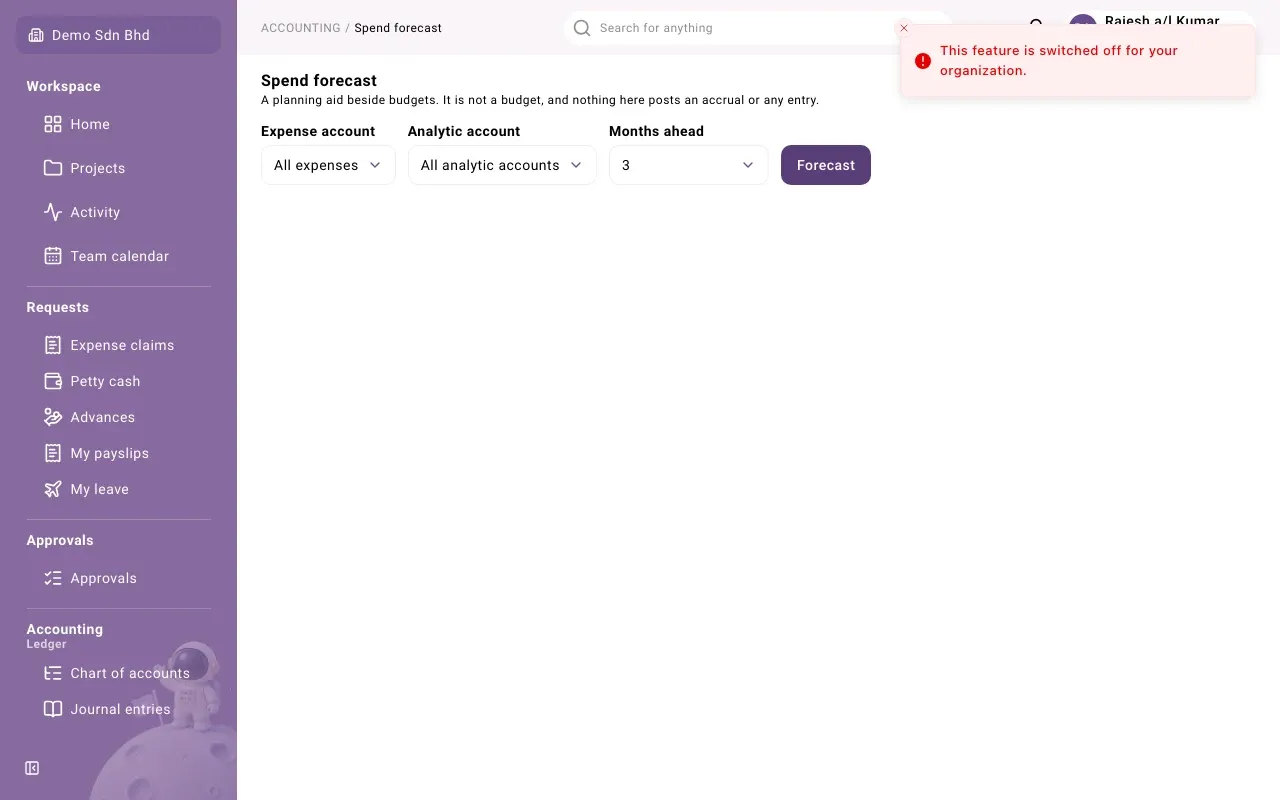
Run a forecast
Section titled “Run a forecast”-
Open Spend forecast.
-
Choose:
Field What to choose Expense account All expenses, or one expense account Analytic account All analytic accounts, or one project or other analytic account Months ahead From 1 to 6 -
Select Forecast.
Read the result
Section titled “Read the result”The card’s title names the method used:
- Average of the last 3 months
- Same month last year
Under it, a line says what the forecast is based on, for example “Based on 12 months of spend, through September 2026. Posted actuals only: open orders and unpaid invoices are not included.”
For each month you see:
| Column | Meaning |
|---|---|
| Month | The month ahead |
| Expected | The estimate |
| Typical range | How far off this method has been on your own figures in past months, shown as a low and high amount |
Where there were too few past months to check the method against, the range says “Low confidence, no range shown” with the number of months it had.
Every result ends with the app’s own reminder: “Advisory only. Based on your own posted ledger up to the date above.”
When there is no forecast
Section titled “When there is no forecast”If the card says No forecast and “Not enough spend history to forecast”, the reason is given below it:
- “A forecast needs at least 6 months of spend on this account.”
- “The spend history has gaps, so a trend cannot be read from it.”
Try All expenses, or a broader account.
Good to know
Section titled “Good to know”- The forecast uses posted actuals only. Purchase orders, unpaid supplier invoices and pending claims are not counted.
- Nothing on this page changes your books or your budgets. To compare spending with a budget, use Budget vs actual on the Reports page.