Journals
A journal is a book that entries are posted to, such as sales, purchases, bank or miscellaneous. Each journal has its own code, such as SI for sales invoices, and its own entry numbering. Everyone with access to the accounting books can see the list; adding, editing and retiring journals is for people allowed to manage the chart of accounts.
Open Journals under Accounting in the sidebar.
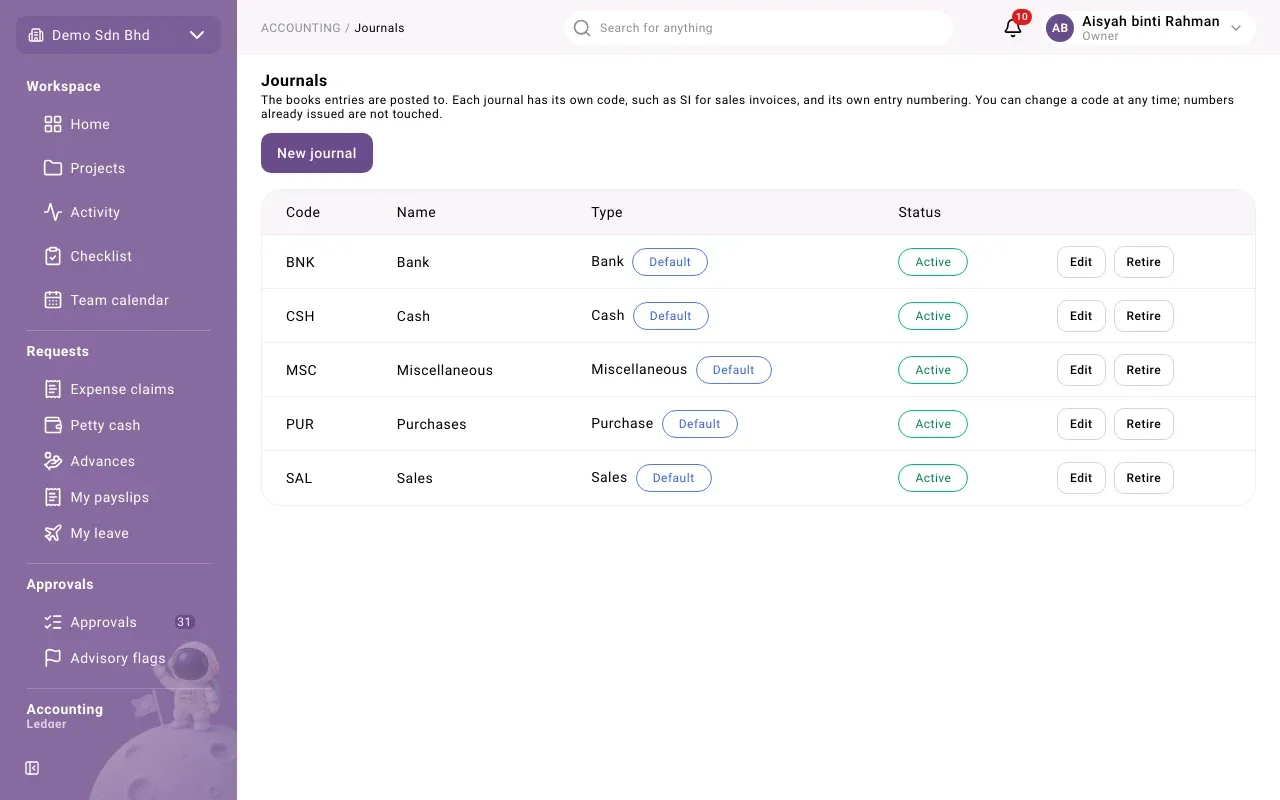
| Column | What it shows |
|---|---|
| Code | The journal’s code. It is used in the journal-entry import and as the prefix of the journal’s entry numbers. |
| Name | The journal’s name |
| Type | Sales, Purchase, Bank, Cash or Miscellaneous. Default marks the journal used by default for its type. |
| Status | Active or Retired |
Add a journal
Section titled “Add a journal”- Select New journal.
- Fill in the form.
- Select New journal at the bottom of the form.
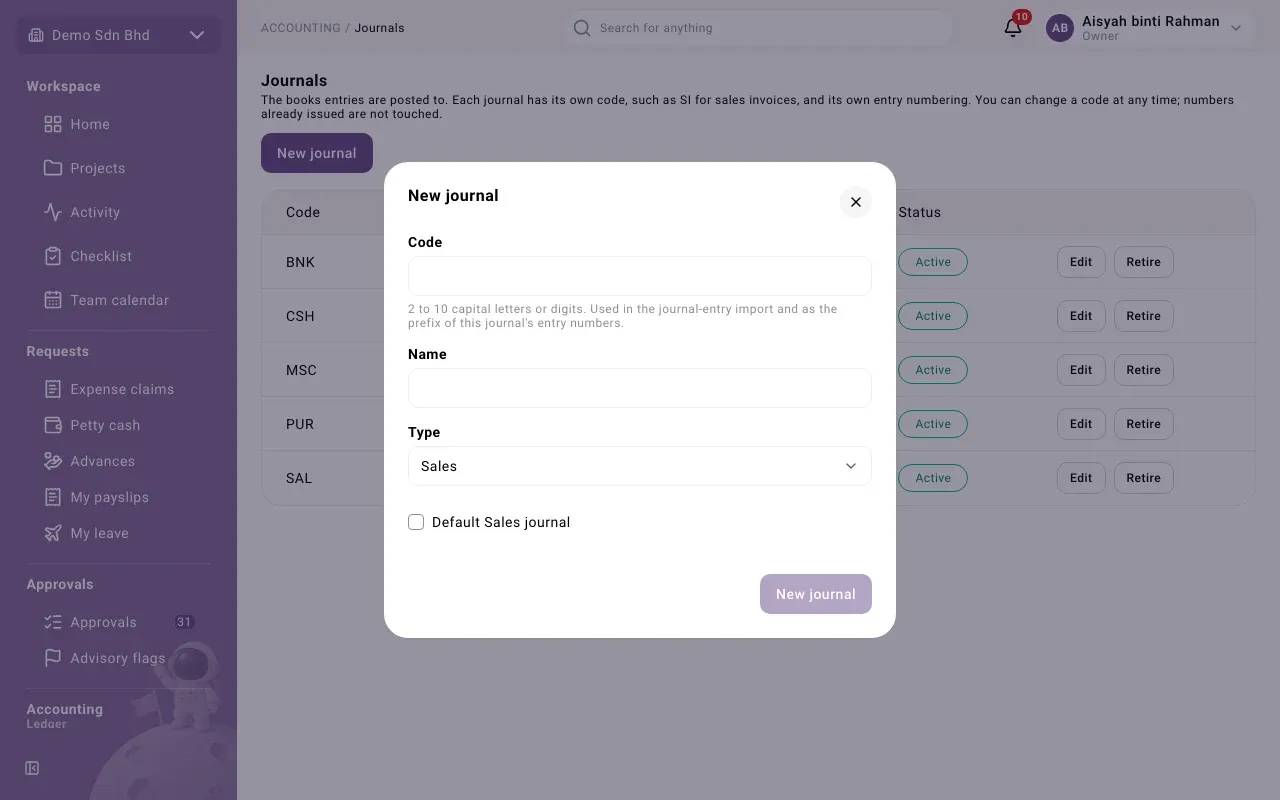
| Field | What to enter |
|---|---|
| Code | 2 to 10 capital letters or digits, e.g. SI |
| Name | The journal’s name |
| Type | Sales, Purchase, Bank, Cash or Miscellaneous |
| Default account | Bank and Cash journals only, and required for them: the account the journal uses by default, normally its bank or cash account |
| Default … journal | Tick to make this the default journal of its type |
Edit a journal
Section titled “Edit a journal”Select Edit on the journal’s row. You can change the Code and the Name, then select Save.
Changing the code does not renumber anything: entries already posted keep the numbers they were issued, and the journal keeps its counter. Imports must use the new code from then on. To change the prefix of future entry numbers, edit it under Code customization.
Retire or reactivate a journal
Section titled “Retire or reactivate a journal”Select Retire on a journal you no longer use. A retired journal is no longer offered when you post a manual journal, and its past entries stay as they are. Select Reactivate to bring it back.