Consolidation set-up
Consolidation combines the books of the companies in a group into one set of figures, as if the group were a single company. mcomtask reads each member’s balances (with their consent), translates them into the group’s currency, adds them up, and removes what the companies owe and sell to each other. The result is a run: see Consolidation runs.
This page is for people your administrator has given access to consolidation, in the organization that owns the group. You find it under Manage → Group & consolidation → Consolidation. Adding inputs and approving them are separate permissions, so two people are always involved.
The words you will meet
Section titled “The words you will meet”| Word | Meaning |
|---|---|
| Group | The companies in the group register, with a presentation currency |
| Member | A company in the group that is an organization on mcomtask and has given consent |
| Parent | Where a run’s scope starts, normally the owning organization |
| Full consolidation | A controlled company (subsidiary): all its figures are added in |
| Equity method | A company you significantly influence but do not control (associate): only your share of its result is brought in |
| Excluded | Taken out of the run, with a recorded reason |
| Non-controlling interests | The part of a subsidiary owned by people outside the group |
| Eliminations | Entries that cancel what group companies owe to, buy from and pay each other, and the parent’s investment against the subsidiary’s equity |
| Reporting line | A line of the group’s own chart, such as “Trade receivables”. Each member’s accounts are mapped to one. |
| Provisional / Final | A run is PROVISIONAL while anything is missing or unconfirmed, and FINAL when nothing is |
Whether a company is a subsidiary or an associate comes from the register: an approved assessment first, otherwise a presumption from the percentages. A presumption makes the run provisional.
Choose a group
Section titled “Choose a group”The Consolidation page lists your groups and their currency. Select one to open its workspace, which has four tabs: Runs, Chart and mapping, Inputs and Settings.
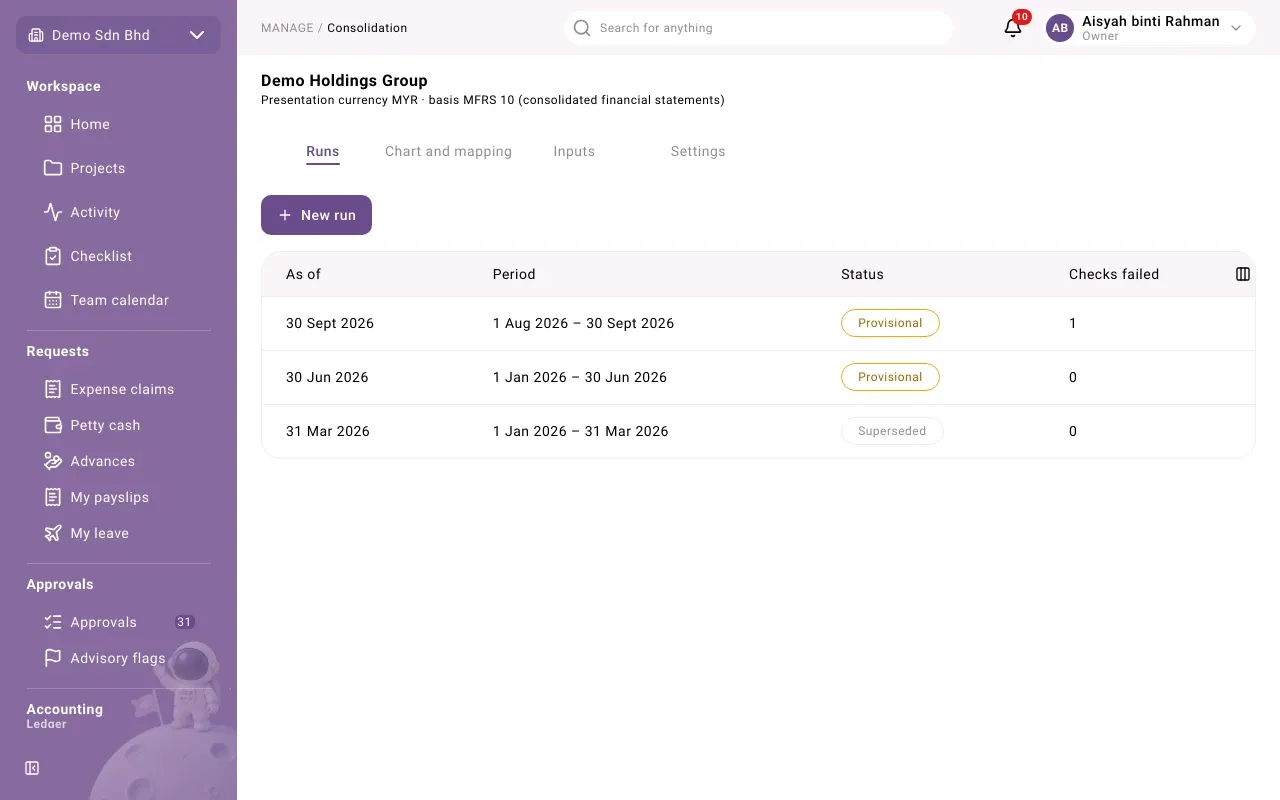
Chart and mapping
Section titled “Chart and mapping”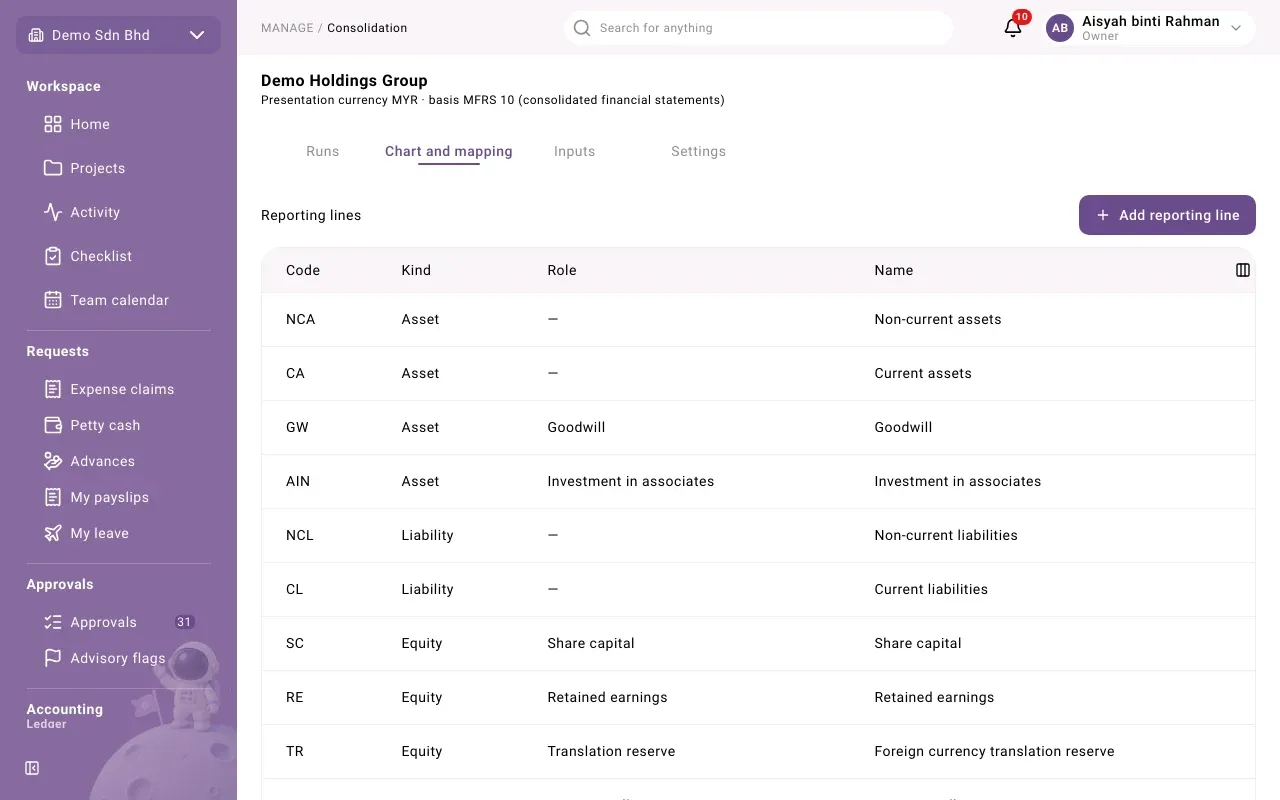
Reporting lines are the group’s chart. Select Add reporting line and give a Code (letters, digits, dot, dash or underscore, up to 40 characters), its Kind (Asset, Liability, Equity, Income or Expense), a Role if a rule needs it (such as Share capital, Retained earnings, Goodwill or Non-controlling interests), and Name (English), optionally Name (Bahasa Malaysia).
Account maps tie each member’s Account code to a Reporting line from an Effective from date. “Each member account maps to one reporting line. A map counts in a run only after a second person approves it.” Add one with Add account map. A map waiting shows Awaiting a second person; someone else selects Approve.
Suggest maps saves typing. Choose the Member organization, the Period from and As of dates, and select Find suggestions. It matches the member’s accounts against the parent’s chart. Tick the rows you want (or Select all), select Review … selected, check the list, and select Write … map(s). They are written unapproved, for a second person to approve. Accounts with no suggestion lists what you must map by hand.
Inputs
Section titled “Inputs”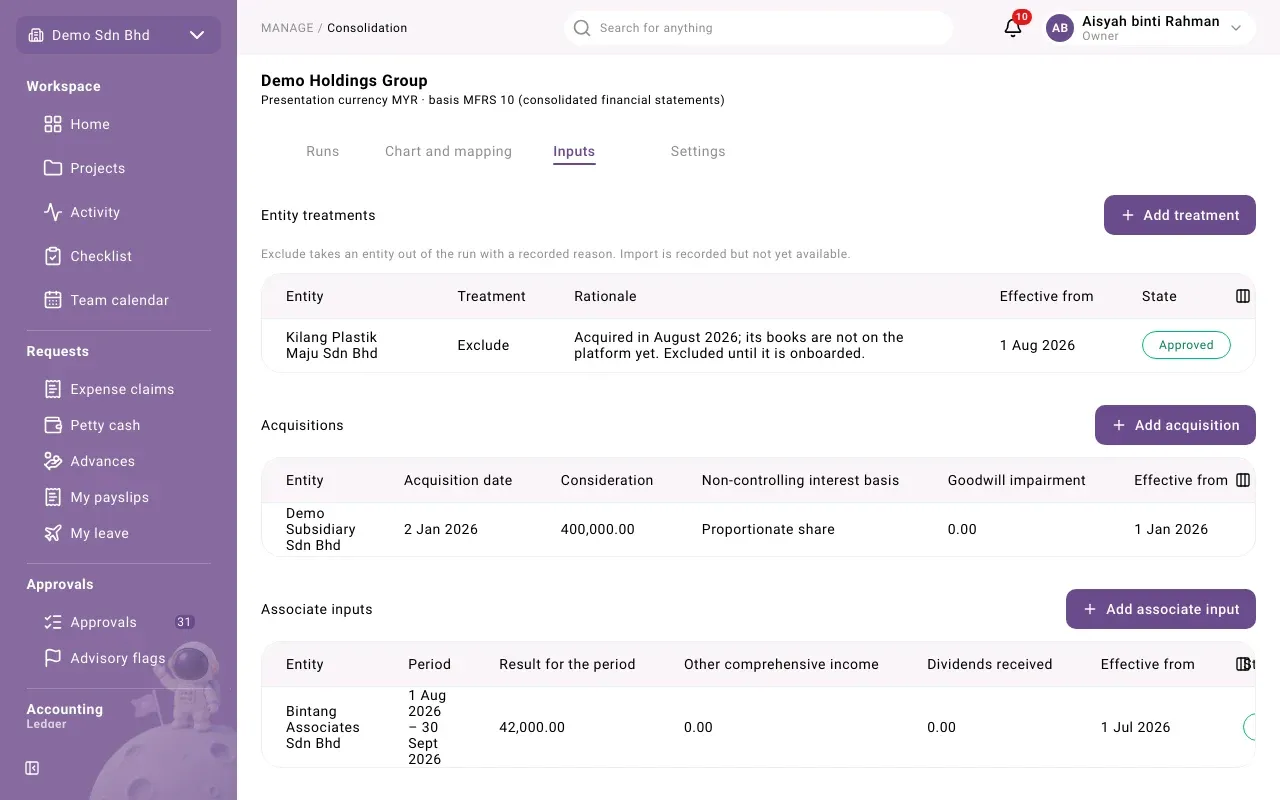
Inputs are the facts a run needs that are not in anyone’s books. Each section has its own add button, and every input must be approved by a second person before any run uses it. A row shows Approved, Awaiting a second person or Ended.
| Section | What you record |
|---|---|
| Entity treatments | Take an entity out of the run (Exclude) with a Rationale, or mark it Import (the screen says “Import is recorded but not yet available”; see Imported trial balances below and ask your administrator) |
| Acquisitions | When a subsidiary was bought: Acquisition date, Consideration, Acquired net assets (blank to read them from its ledger), fair value adjustment, Non-controlling interest basis, goodwill impairment |
| Associate inputs | An associate’s Result for the period, other comprehensive income, dividends and impairment, when its books cannot be read |
| Adjustments | Accounting policy differences, and unrealized profit on stock or an asset sold between group companies |
| Opening positions | “The retained earnings a group’s first run starts from.” |
| Imported trial balances | The approved final trial balance of a controlled subsidiary that is not on mcomtask, in the group’s currency only |
| Preference shares outside the group | The preference dividend outsiders are entitled to for the period |
| Cash flow classes | Which part of the cash flow statement each reporting line belongs to |
| Audited trial balances | Each subsidiary’s signed audited figures, compared with the books on each run. Advisory only. |
The trial balance sections take one account per line, pasted in, as the hint under the field describes.
Settings
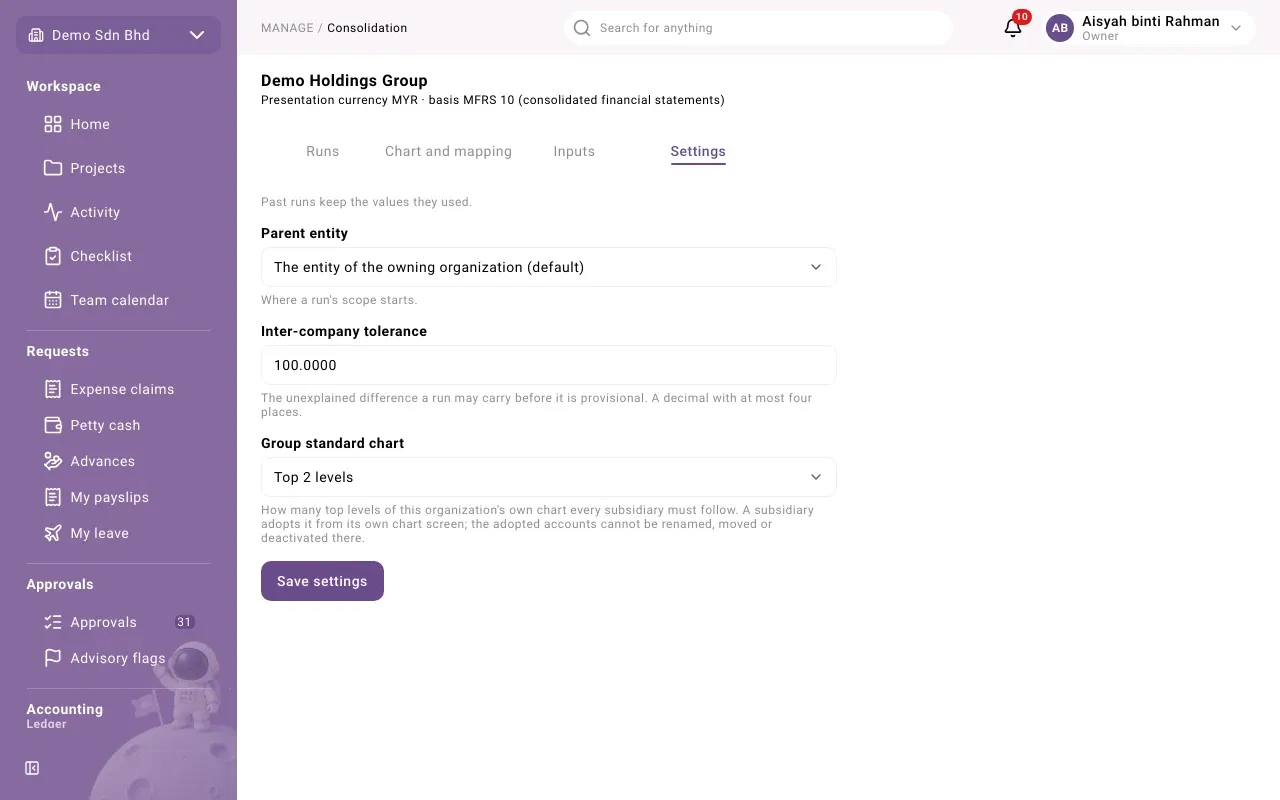
Section titled “Settings”“Past runs keep the values they used.”
| Setting | What it does |
|---|---|
| Parent entity | “Where a run’s scope starts.” Normally The entity of the owning organization (default). |
| Inter-company tolerance | The unexplained difference a run may carry before it is provisional, for example 1.00 |
| Group standard chart | How many top levels of this organization’s own chart every subsidiary must follow, or No standard |
Select Save settings.
Each member also marks which of its customers and suppliers are group companies, so inter-company balances can be matched: see Group consent.